
The Free OS That Turns Any Hardware Into a Powerful Interactive Kiosk and Communication Hub
Bring your own hardware. We bring everything else. Choose the path that matches your device and go from testing to production in no time.
Trusted by destinations, campuses, and workplaces across the country




The Two Paths
HootBoard OS (HBOS)
Our custom-built OS, fine-tuned and crafted for every type of kiosk use. Download the ISO, install it on your hardware, and you're done — we've taken care of all the hard parts. The best way to experience HootBoard's full suite of capabilities on non-Android hardware.
Download the HBOS ISOSoftware for Android
The no-fuss way to convert your Android hardware into a full-fledged kiosk or digital signage display. Install the app and you're up and running.
Get HootBoard for AndroidWhich One Is Right for You?
Have Android hardware?
Android tablets, Android kiosks, and Android media players run Software for Android. Install the app and you're live.
Have anything else?
PCs, NUCs, all-in-one kiosks — including hardware currently running Windows or Linux — run HootBoard OS (HBOS).
Currently running Windows or Linux on your kiosk? You don't need it. HBOS installs directly on that same hardware and replaces the maintenance headaches — updates, lockdown, and remote management are all handled for you.
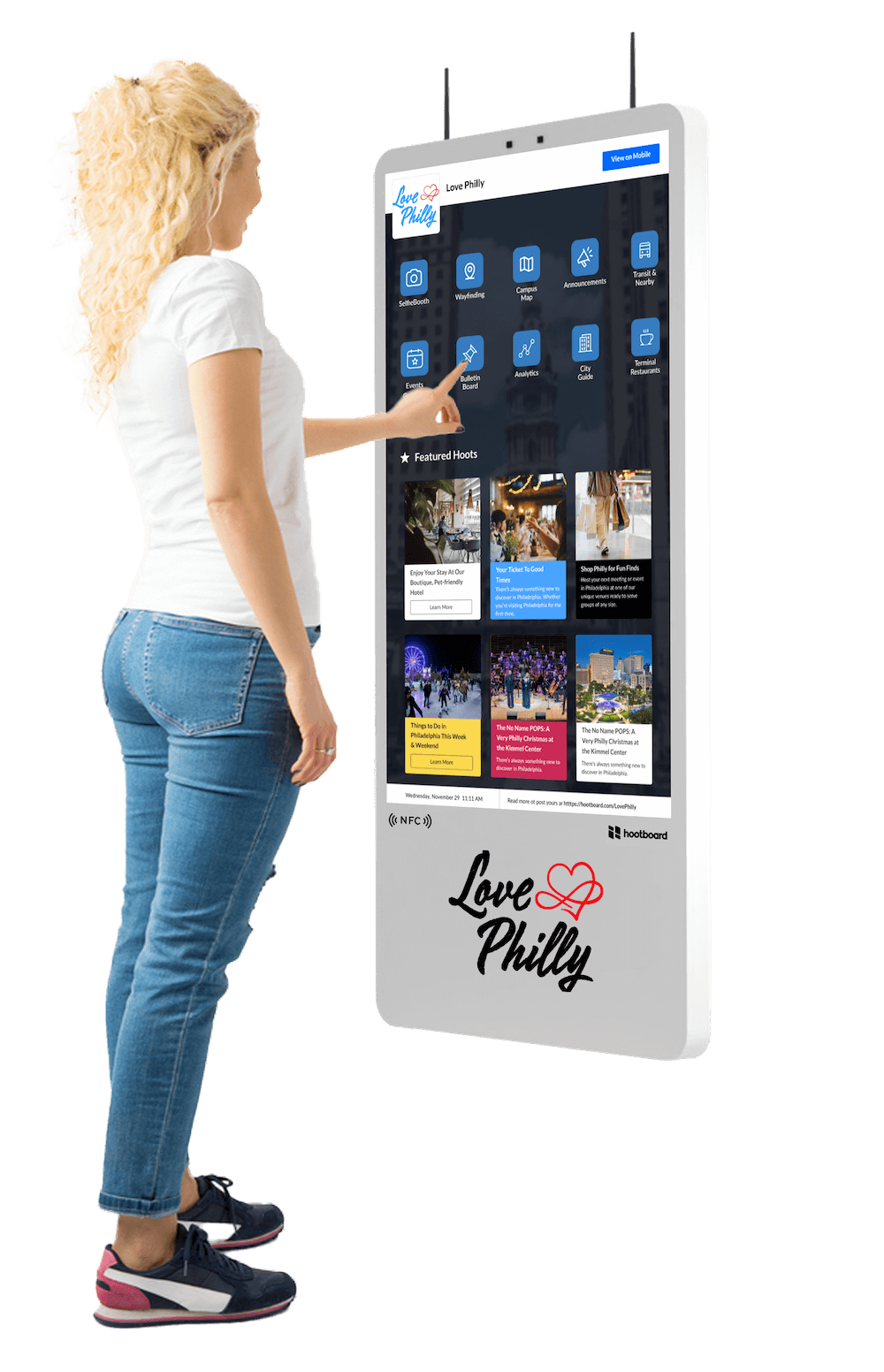
Built from the Ground Up for Touchscreen Kiosks
This isn't just a browser with locking software — HootBoard OS is engineered specifically for real-world, public-facing digital kiosks.
Because HBOS owns the entire stack — from boot to browser — there's nothing to lock down, patch, or babysit. Kiosk mode isn't an add-on; it's the operating system.
- Purpose-built for visitor information, employee engagement, and student communication.
- Preloaded with wayfinding, events, announcements, games, and more.
- Fully managed from a remote HootBoard web dashboard.
- Works offline with automatic sync when reconnected.
Everything You Need — Built In
Wayfinding Navigation · Digital Bulletin Board · Event Calendars · Selfie Wall · 1000+ App Integrations · Real-Time Analytics · Offline-Capable Lockdown · Interactive Games
From Download to Deployed
We've taken care of all the hard parts — so going from testing to production takes no time at all.
Download the ISO
Grab the latest HBOS image, free.
Create a bootable USB
Flash the ISO to a USB drive with any standard imaging tool.
Install on your kiosk hardware
Boot from the USB and let the installer do the rest — lockdown, updates, and kiosk mode are all baked in.
Go live
Pair the kiosk with your HootBoard dashboard and manage content, apps, and updates remotely from anywhere.
Setting up on Android instead? Get the app — it's even simpler.
Try it risk-free: install HBOS on a spare machine in under 30 minutes. When you're ready, the same install goes straight to production.
Why an OS Beats Kiosk Software
Typical kiosk setup
Buy a Windows or Linux license, then layer kiosk-browser software on top, Lockdown bolted on via third-party apps, You manage OS patches, reboots, and update breakage, Every layer is another thing that can fail at 2 a.m.
HootBoard OS
One free ISO — the OS is the kiosk. Lockdown built into the OS itself. Updates handled automatically, remotely. One purpose-built stack, engineered for public spaces.
Already Running Kiosk Software? Switching Is the Easy Part.
Your hardware stays. Your content moves. Your headaches don't.
Pilot one kiosk
Install HBOS — or the Android app — on a single existing kiosk while the rest of your fleet keeps running exactly as it is today. Nothing changes until you say so.
Bring your content over
Our team works with you to recreate your screens, signage, and integrations on HootBoard — most setups come across in a single working session.
Roll out at your pace
Happy with the pilot? Flash the rest of your fleet whenever you're ready — one kiosk at a time or all at once. No downtime, no forklift upgrade, no new hardware to buy.
Most teams complete the switch in days, not months — and cancel a software license while they're at it.
Set It Up Once. Manage It from Anywhere, Forever.
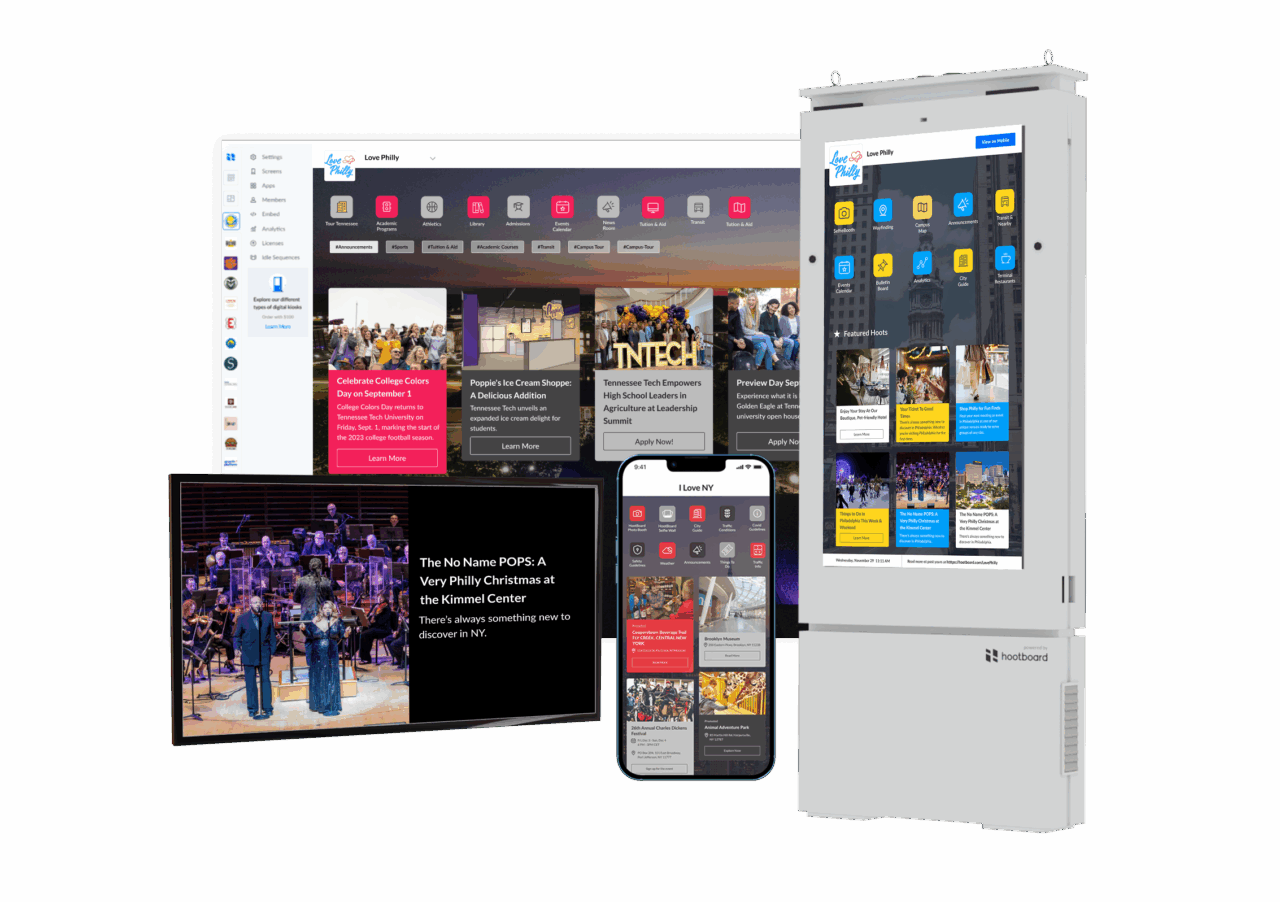
Every HootBoard kiosk — HBOS or Android — is managed from one cloud dashboard. Push content, install apps, schedule signage, monitor health, and roll out updates across one kiosk or a hundred, without ever touching the hardware again.
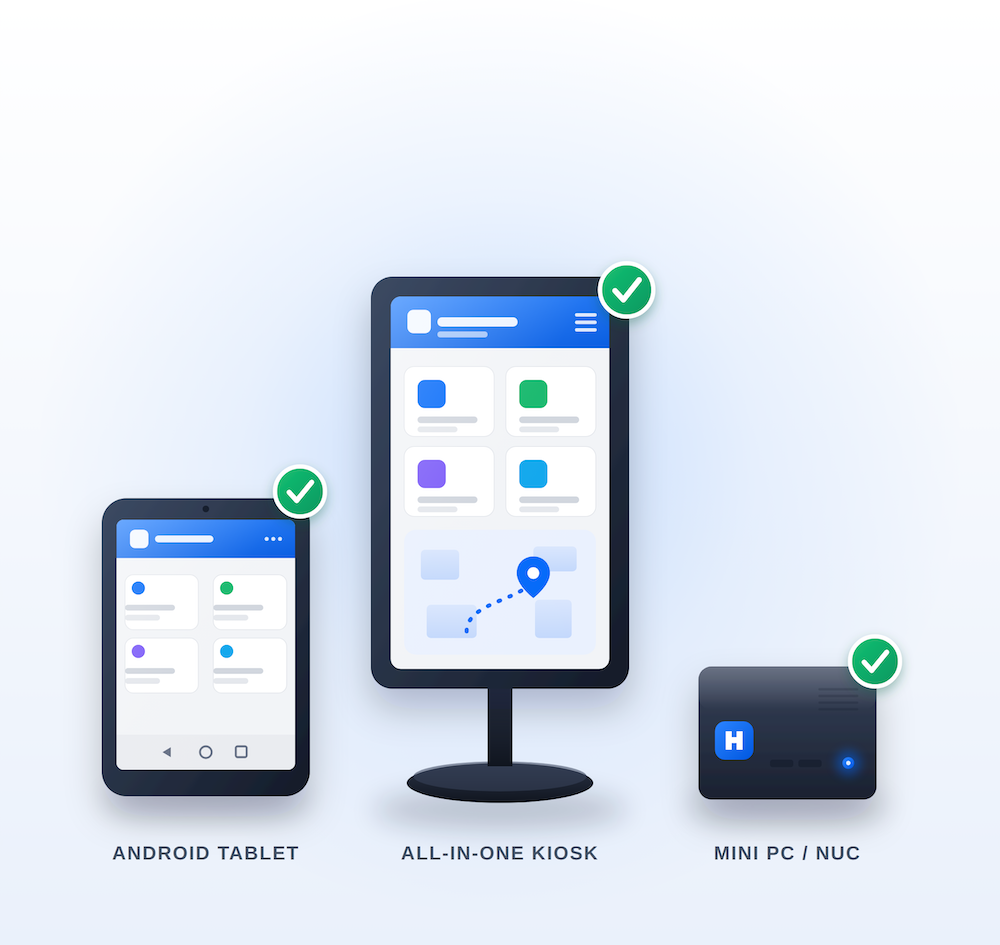
Will It Run on My Hardware?
Almost certainly. HBOS runs on standard x86 hardware — all-in-one touch kiosks, mini PCs, NUCs, and machines currently running Windows or Linux. Android devices run our Android app instead.
Spec List
- CPU: [minimum]
- RAM: [minimum]
- Storage: [minimum]
- Display: any touchscreen (touch optional for signage-only)
Not sure? Send us your hardware model and we'll confirm before you download.
Want the Full HootBoard Experience?
HBOS is great on your hardware. It's unbeatable on ours. HootBoard kiosks — AirX, GlideXT, and GlideOT — ship with HootBoard OS preinstalled, pre-configured, and tuned for the exact hardware it runs on. Unbox it, plug it in, and your kiosk is live.
Zero setup
no ISO, no USB, no install. It arrives ready to pair with your dashboard.
Tuned as one
hardware and OS designed and tested together, so every touch, screen, and sensor just works.
One team behind everything
hardware, software, and support from a single company. One call, no vendor ping-pong.
Built for public spaces
commercial-grade touchscreens engineered for lobbies, streets, and campuses — not consumer displays pressed into service.
You Asked. We Answered.
How long does setup take?
Most users are live in under 30 minutes.
Can I control the kiosk remotely?
Yes, via our cloud-based admin dashboard.
Is kiosk locking built in?
Yes — everywhere. On HBOS, kiosk mode is built into the operating system itself, not bolted on. On Android, the HootBoard app includes fully first-party lockdown — no third-party apps needed. Install and you're locked down.
Does it work offline?
Yes. Key content is cached and syncs when back online.
Is it compatible with any touchscreen kiosk?
Almost certainly. Android devices run our Android software; virtually everything else runs HBOS. If you're not sure about your hardware, talk to us and we'll confirm before you install.
I'm running Windows (or Linux) on my kiosks today. Can I use HootBoard?
Yes — and you'll be better off for it. Install the HBOS ISO on that same hardware and it replaces your current OS with one purpose-built for kiosks: automatic updates, built-in lockdown, offline resilience, and full remote management out of the box.
What happens to the OS already on my hardware?
HBOS replaces it. The installer wipes the machine and sets it up as a dedicated kiosk — which is exactly what you want for a public-facing device. Back up anything you need first.
How do updates work?
Automatically. HBOS keeps itself and your HootBoard apps up to date in the background — no patch Tuesdays, no update prompts on a public screen.
Is HBOS really free?
Yes — the OS and Android app are free to download. Your HootBoard plan covers the content platform and dashboard.
Deploy Smarter Kiosks with HootBoard
Pick your path — HBOS for your hardware, or our Android app for your Android devices — and power up your interactive kiosk with content-rich, engaging apps.