
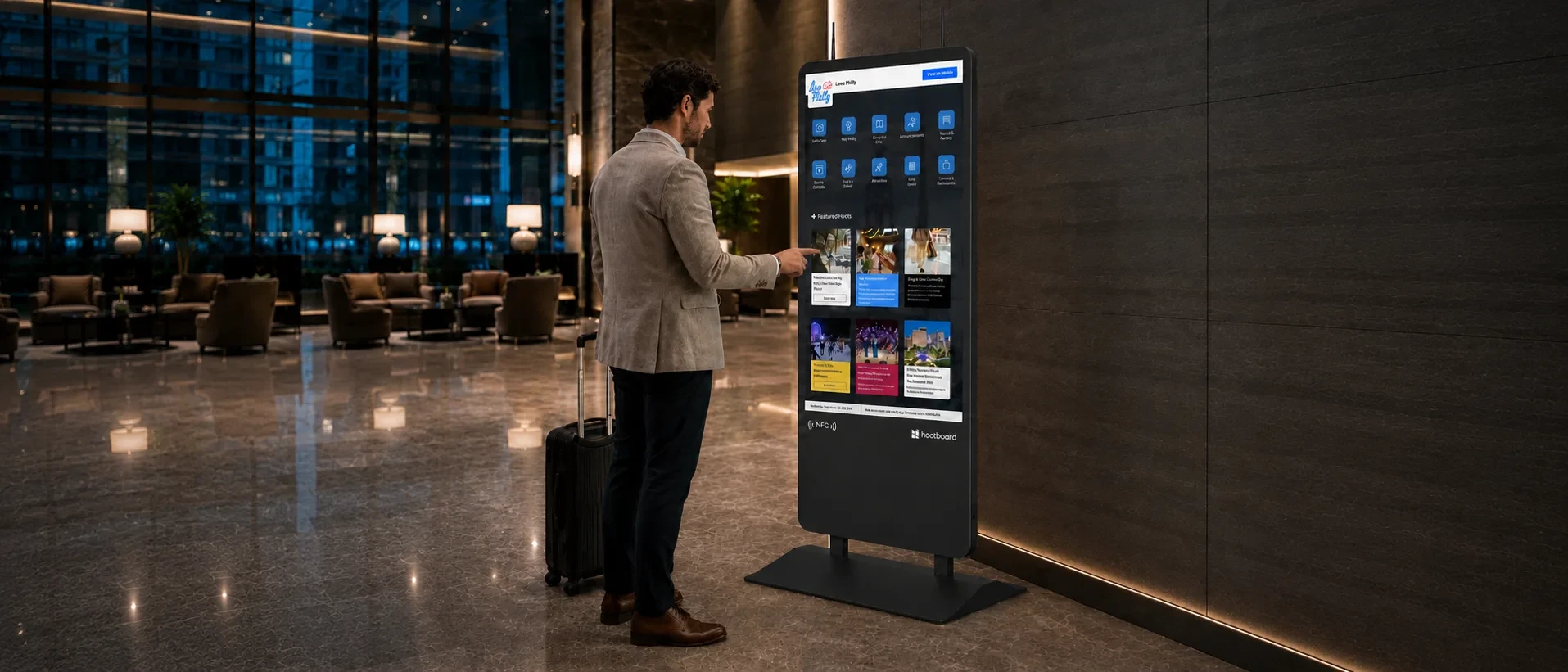
HootBoard OS
Every HootBoard kiosk ships with its own operating system
HootBoard OS comes pre-loaded and tuned for the hardware it runs on. No Windows license to buy, no lockdown app to bolt on, and nothing for you to patch.
- Pre-loadedon every kiosk
- 1 dashboardfor one kiosk or a hundred
- 24/7hardware and software support
Why it matters
A screen is the easy part
A typical kiosk is a touchscreen and a PC. The operating system, the lockdown and the upkeep are left to you. A HootBoard kiosk arrives with all three handled.
| Topic | HootBoard kiosk | A typical kiosk setup |
|---|---|---|
| Operating system | HootBoard OS, pre-loaded and tuned for the hardware it runs on | Buy a Windows or Linux license, then layer kiosk-browser software on top |
| Apps | Wayfinding, events, announcements, games and more, ready on the OS | A kiosk browser, and an integrator to build what it shows |
| Lockdown | Built into the OS. Kiosk mode isn't an add-on | Bolted on with third-party apps |
| Updates | Automatic and remote, in the background. No update prompts on a public screen | You manage OS patches, reboots and update breakage |
| Reliability | One purpose-built stack, engineered for public spaces | Every layer is another thing that can fail at 2 a.m. |
| Hardware | Commercial-grade touchscreens, designed and tested with the OS | Can be a consumer display pressed into service |
| Support | One call, 24/7, for the hardware and the software | Vendor ping-pong between the screen, the OS and the software |
Launch, the free subscription, runs basic apps and the selfie app. The rest run on a paid subscription. See subscriptions
What it runs
Everything a visitor walks up to a kiosk for
These are real HootBoard OS screens, and every one of them is managed from the same dashboard.
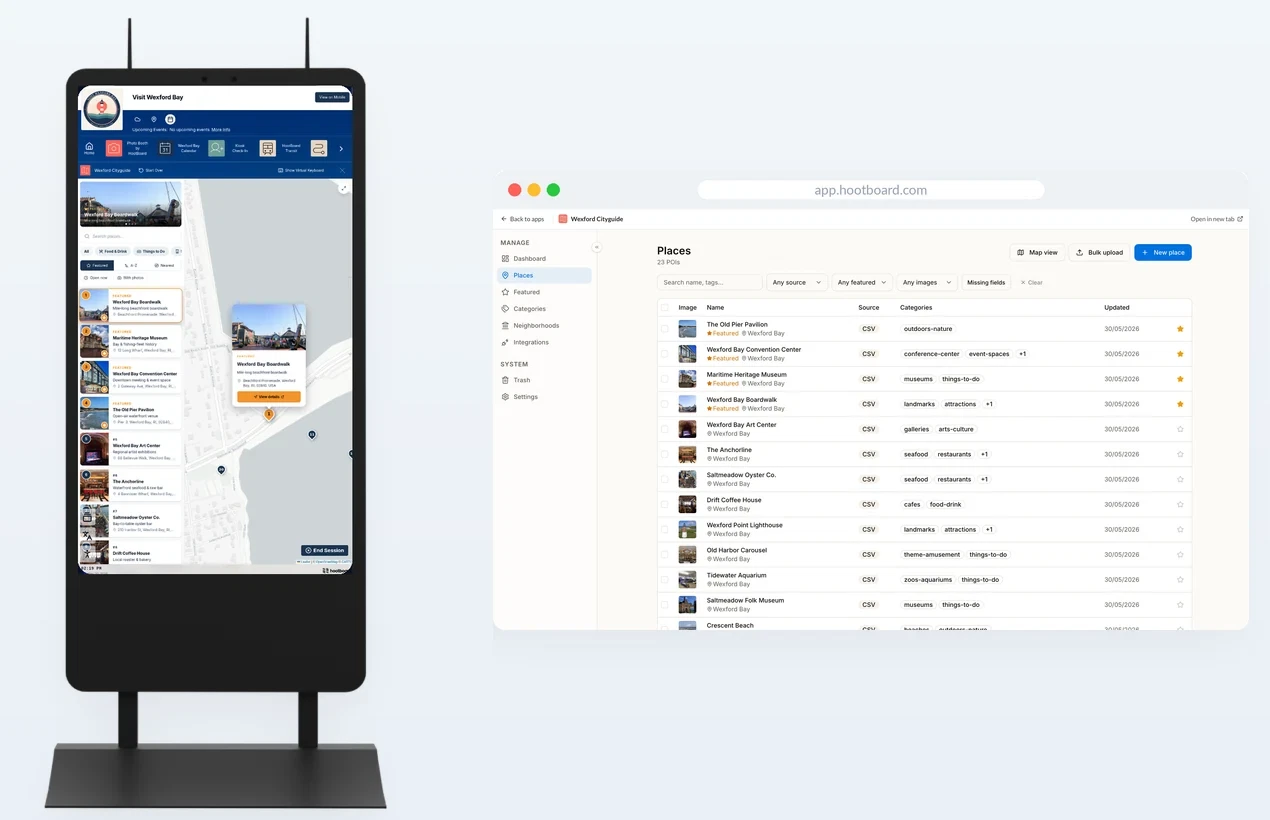
City guide and wayfinding
Maps, directions and things to do nearby, sent to their phone.
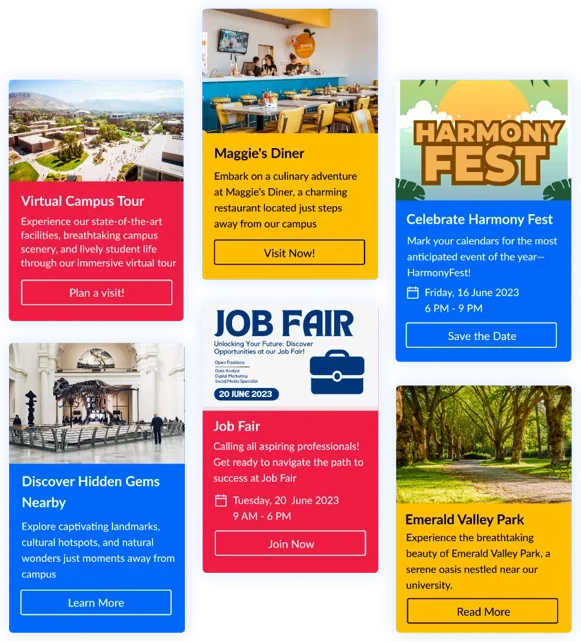
Events
Upcoming events that keep themselves current from Google Calendar or Eventbrite.
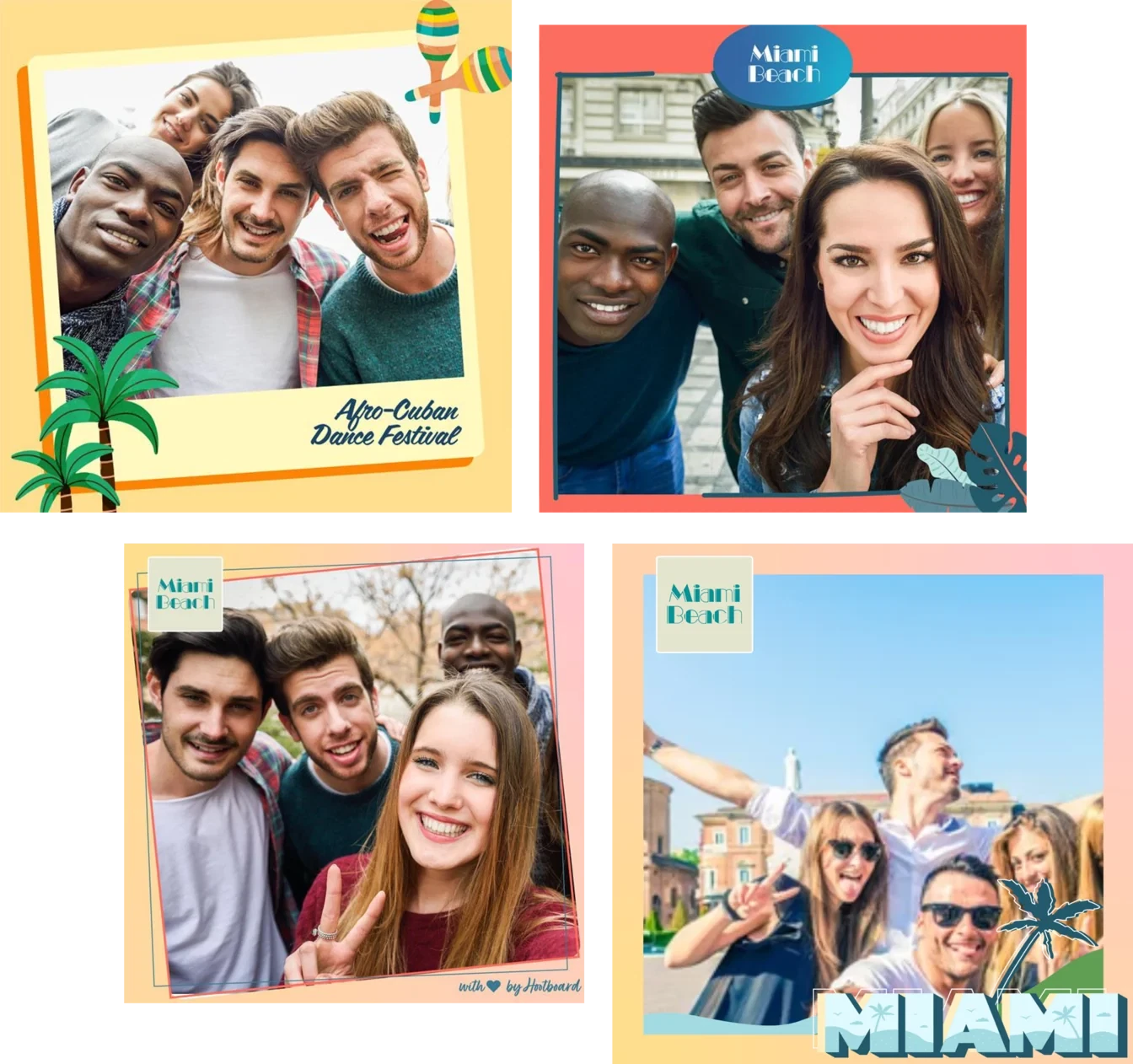
Selfie wall
The built-in camera turns visitors into ambassadors, on your feed and theirs.
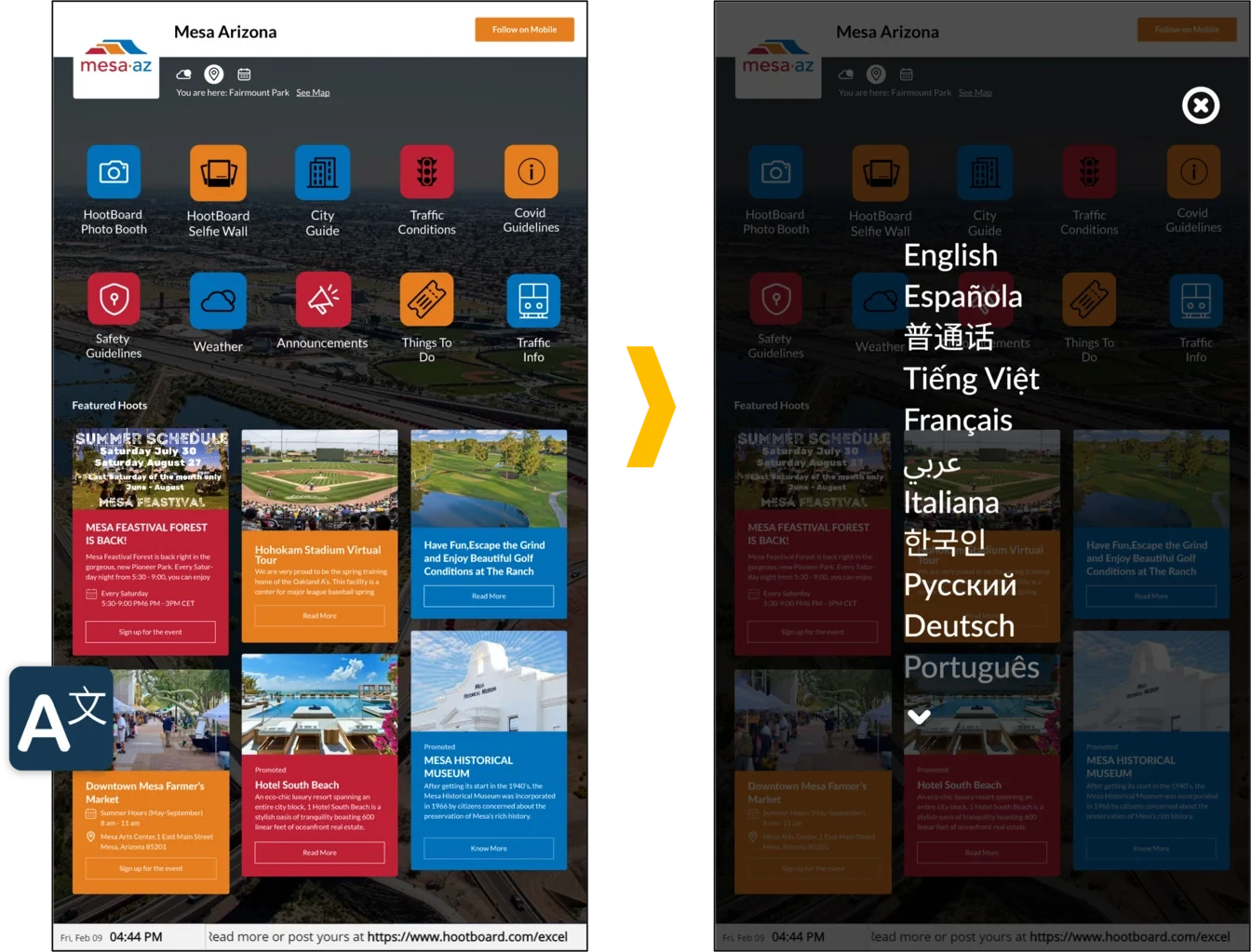
Every visitor
Their own language, larger text and accessible routes.
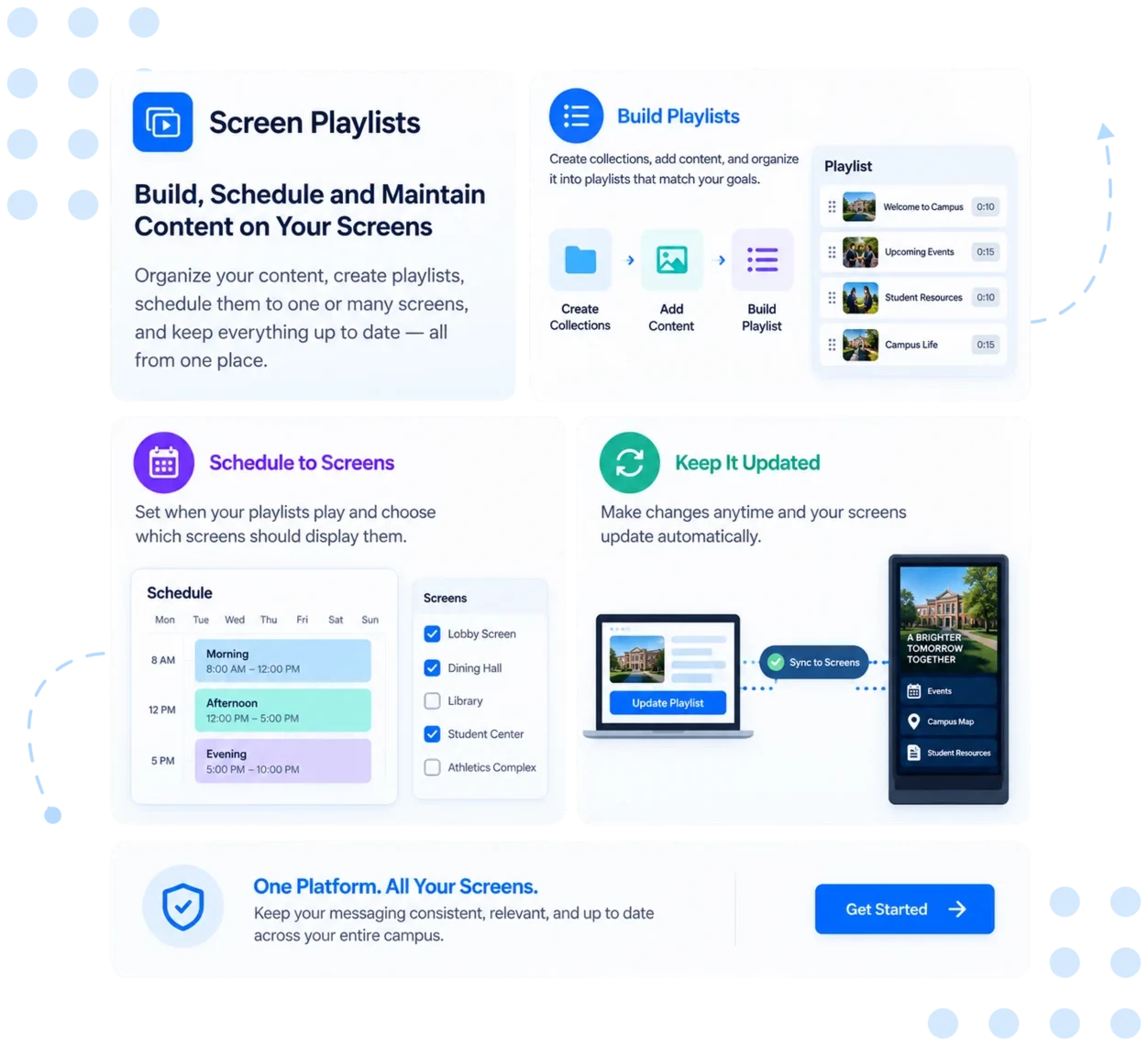
Playlists and signage
Update from any device, schedule ahead, and connect your tools.
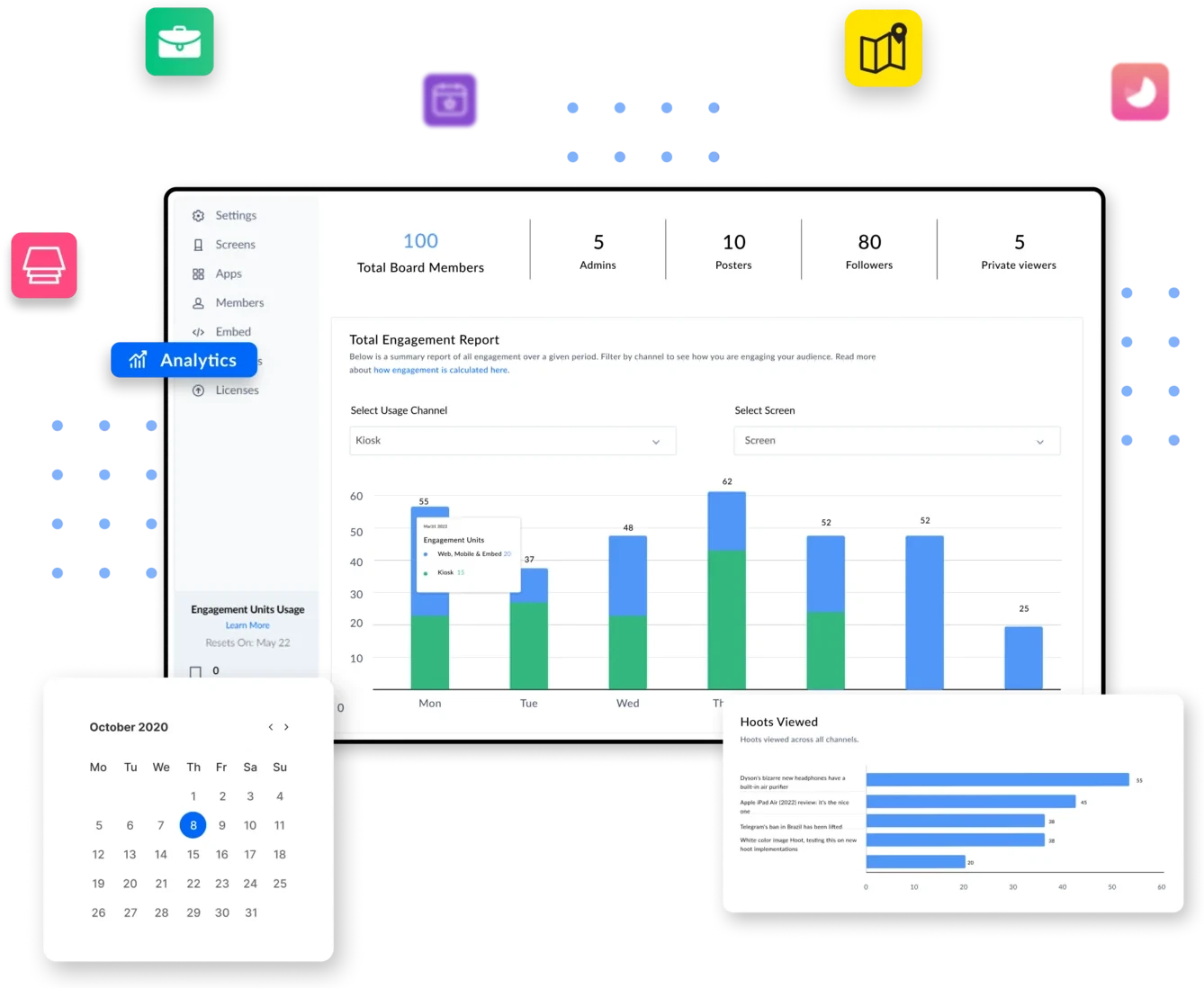
Visitor analytics
See what people search for and open, then adjust.
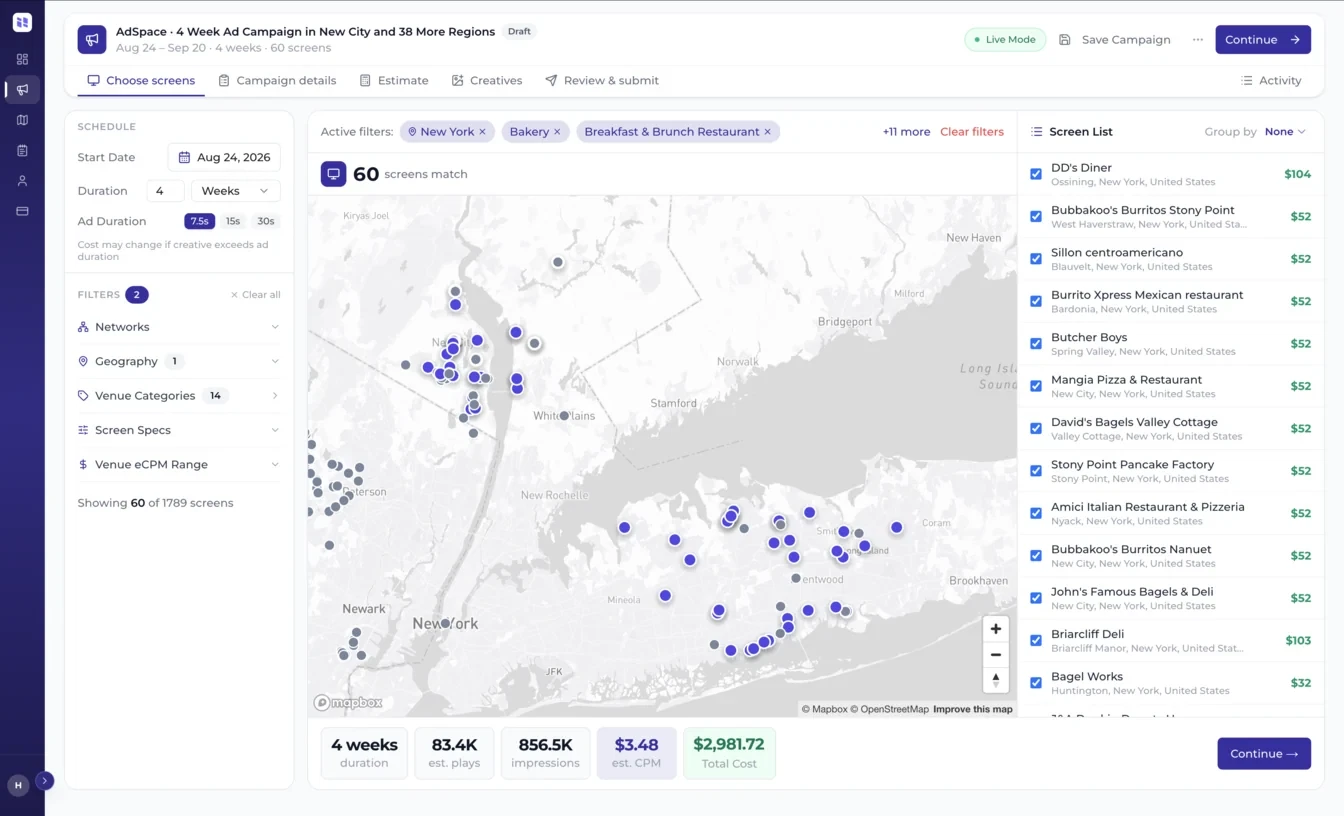
AdSpace
Sell ad space, and approve every campaign yourself.
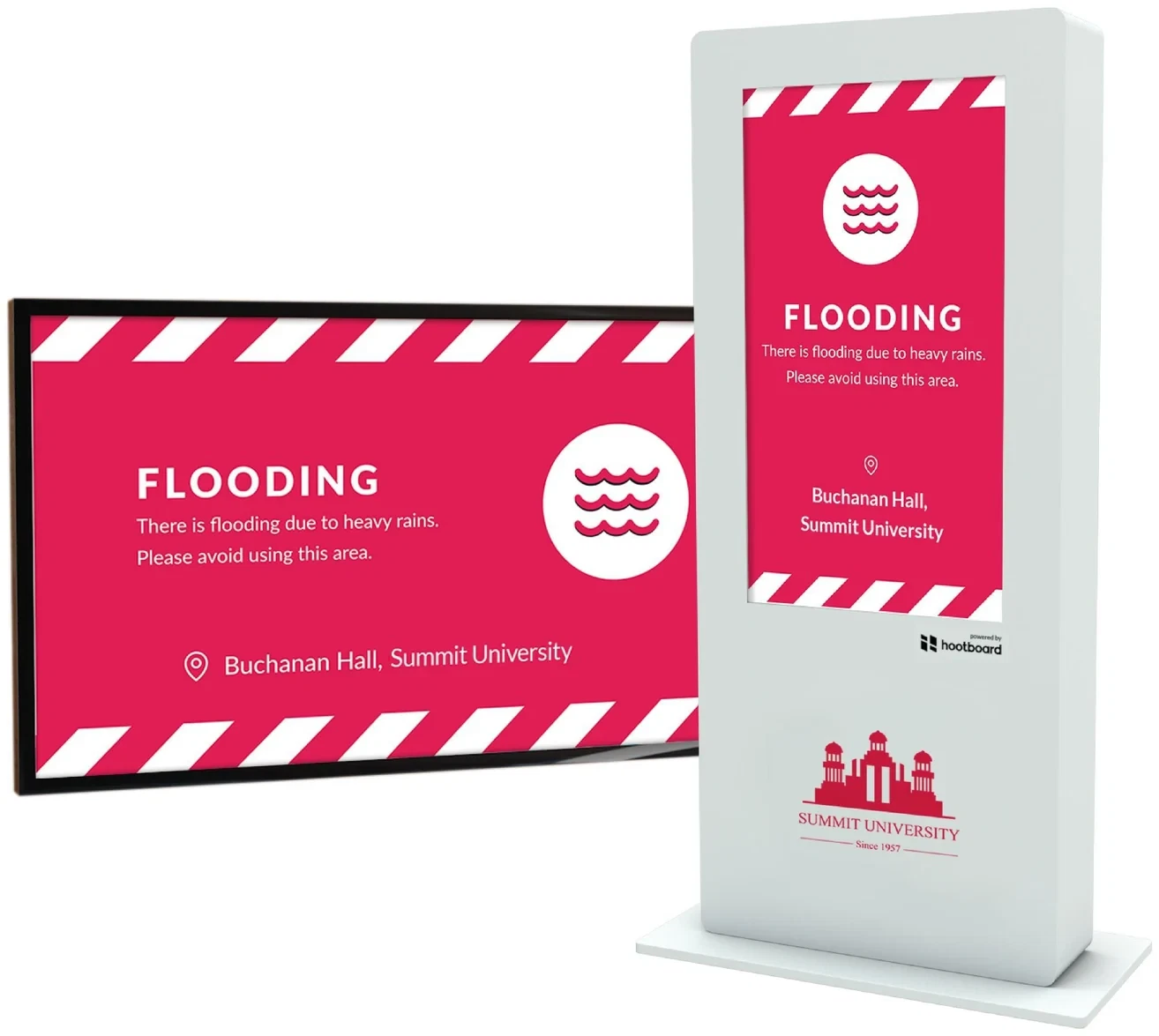
Alerts
One alert to every screen you choose, from the Alerts app.
Launch, the free subscription, runs basic apps and the selfie app. The rest run on a paid subscription. See what each subscription includes
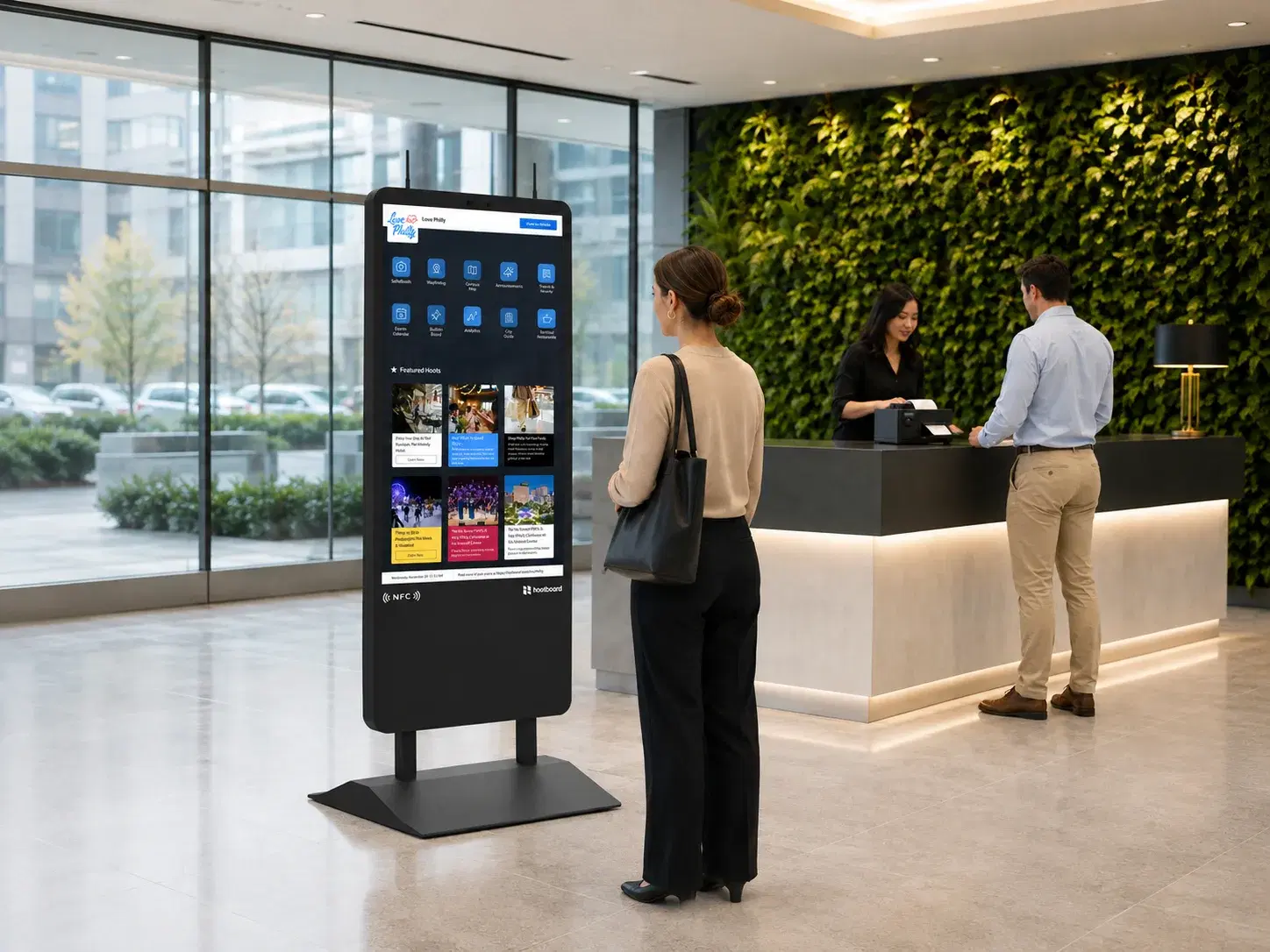
Runs itself
Nothing to lock down, patch or babysit
HootBoard OS owns the whole stack, from boot to browser. Kiosk mode is the operating system, not an app on top of one.
Lockdown built in
The kiosk is locked down from the moment it boots, with no third-party apps to add.
Updates itself
The OS and your HootBoard apps stay up to date in the background.
Works offline
Key content is cached on the kiosk, and it syncs when it's back online.
One kiosk or a hundred
Push content, install apps and roll out updates from one cloud dashboard.
Team permissions
Give each admin the locations, departments or regions they manage.
Tuned to the hardware
Designed and tested with the kiosk it ships on, so every touch, screen and sensor just works.
Integrations
Works with what you already run
- more apps through Zapier, with no code
- 1,000+
- transit agencies with live data
- 2,000+
- Simpleview
- Tempest
- CivicPlus
- GovStack
- Google Calendar
- Eventbrite
- YouTube
- RSS feeds
- Canva
- Zapier
Subscriptions
Start on Launch. Add kiosks as you grow.
Every kiosk starts on Launch, our free subscription. A paid subscription licenses more kiosks and screens, and adds the apps your visitors use most.
Launch
Free
on every kiosk, from day one
- 200 kiosk engagements a month
- Basic apps: bulletin board, weather, directory
- Selfie app
Connect
2kiosk licenses
- 2 digital signage licenses
- Up to 5 posting members
- Events feed and custom selfie overlays
- City guide with up to 100 places
- 2 languages
Reach
3kiosk licenses
- 3 digital signage licenses
- Up to 10 posting members
- Content and playlist scheduling
- Remote monitoring and AI concierge
- 5 languages
Engage
Best value4kiosk licenses
- 4 digital signage licenses
- Up to 15 posting members
- Live transit schedules
- Content approval and analytics by kiosk
- 10 languages
Activate
5kiosk licenses
- 5 digital signage licenses
- Up to 40 posting members
- Emergency notifications
- Ad revenue sharing and an account manager
- 20 languages
Running more than five kiosks? We'll quote your deployment.
Nothing for software is charged at checkout. We'll size the right subscription with you after your order, before your kiosk ships.
The hardware
Built for the OS it runs
We design and test the kiosk and the OS together. Commercial-grade touchscreens, made for lobbies, streets and campuses.
Indoor
4K touchscreens at 500 nits.
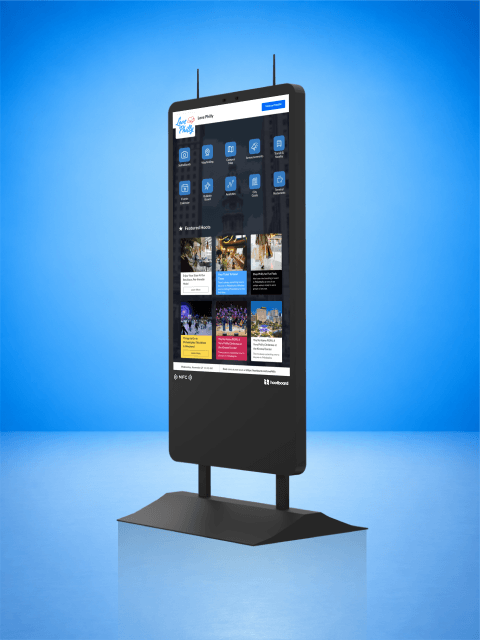
HootBoard AirX
Indoor, Wall mounts
From$4,199
Indoor 4K touchscreen kiosk, 49" or 55", in black or white. Ships with both a floor stand and wall-mount brackets, with HootBoard OS pre-loaded.
49" or 55"Black or White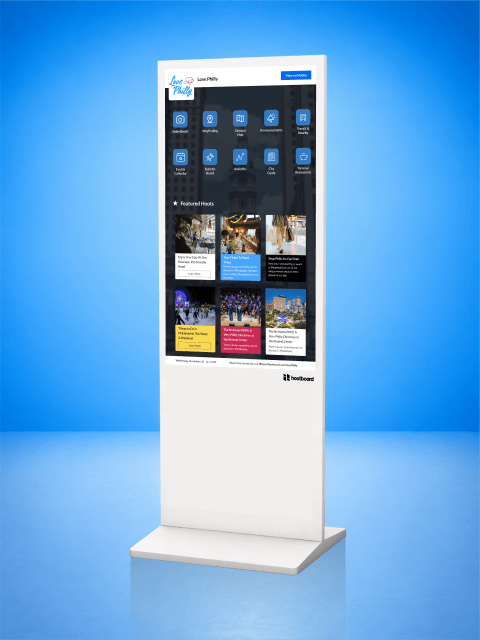
HootBoard Glide
Indoor
From$4,199
Floor-standing indoor 4K touchscreen kiosk, 49" or 55", in black or white, with HootBoard OS pre-loaded.
49" or 55"Black or White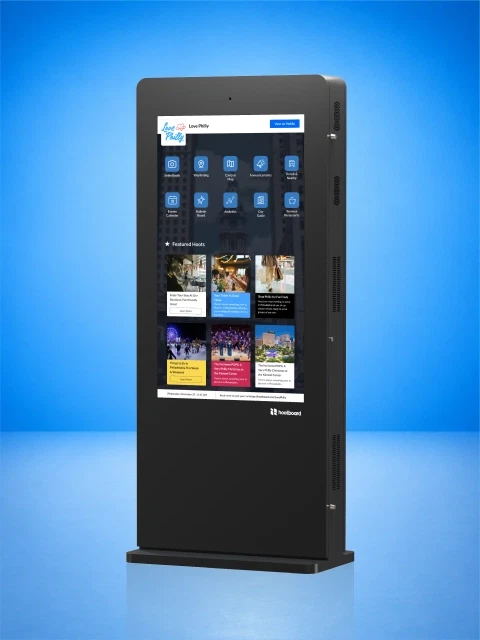
HootBoard Glide XT
Indoor
From$8,199
Heavy-duty, floor-standing indoor 4K touchscreen kiosk, 49" or 55", in black or white, with HootBoard OS pre-loaded.
49" or 55"Black or White
Outdoor
3500 nits for direct sunlight, IP66-rated against the weather.
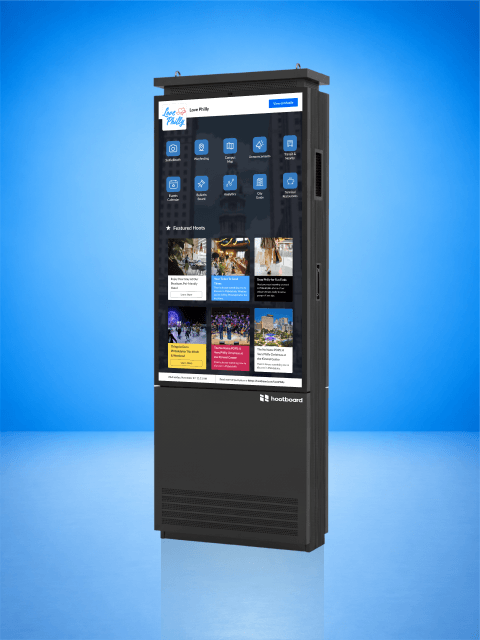
HootBoard Versi Floor Stand
Outdoor
From$17,999
Single-sided outdoor touchscreen kiosk on its own base, 55" or 65", 3500 nits and IP66-rated.
55" or 65"Black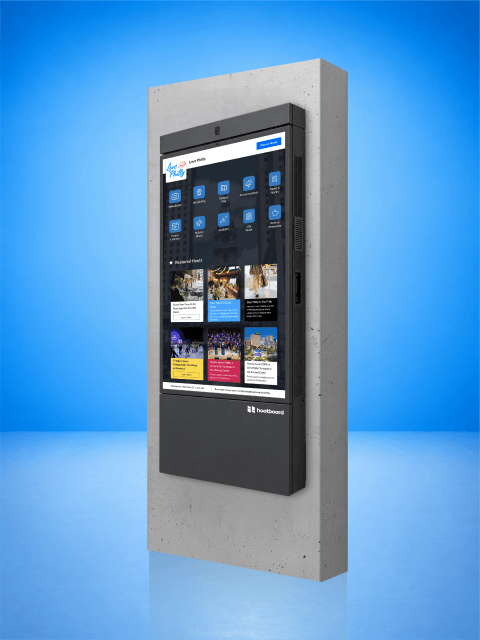
HootBoard Versi Wall Mount
Outdoor, Wall mounts
From$15,999
Single-sided outdoor touchscreen kiosk for an exterior wall, 55" or 65", 3500 nits and IP66-rated.
55" or 65"Black
FAQ
Questions worth asking
Still stuck on something? A specialist can walk you through it in twenty minutes.
See HootBoard OS on a kiosk
Pick the kiosk for your space, or book a call and we'll walk you through HootBoard OS on a live kiosk, on screen share.